Office Automation
online
12
Modules
16
weeks
All
Skill Level
512h
Duration
English/Spanish
Language
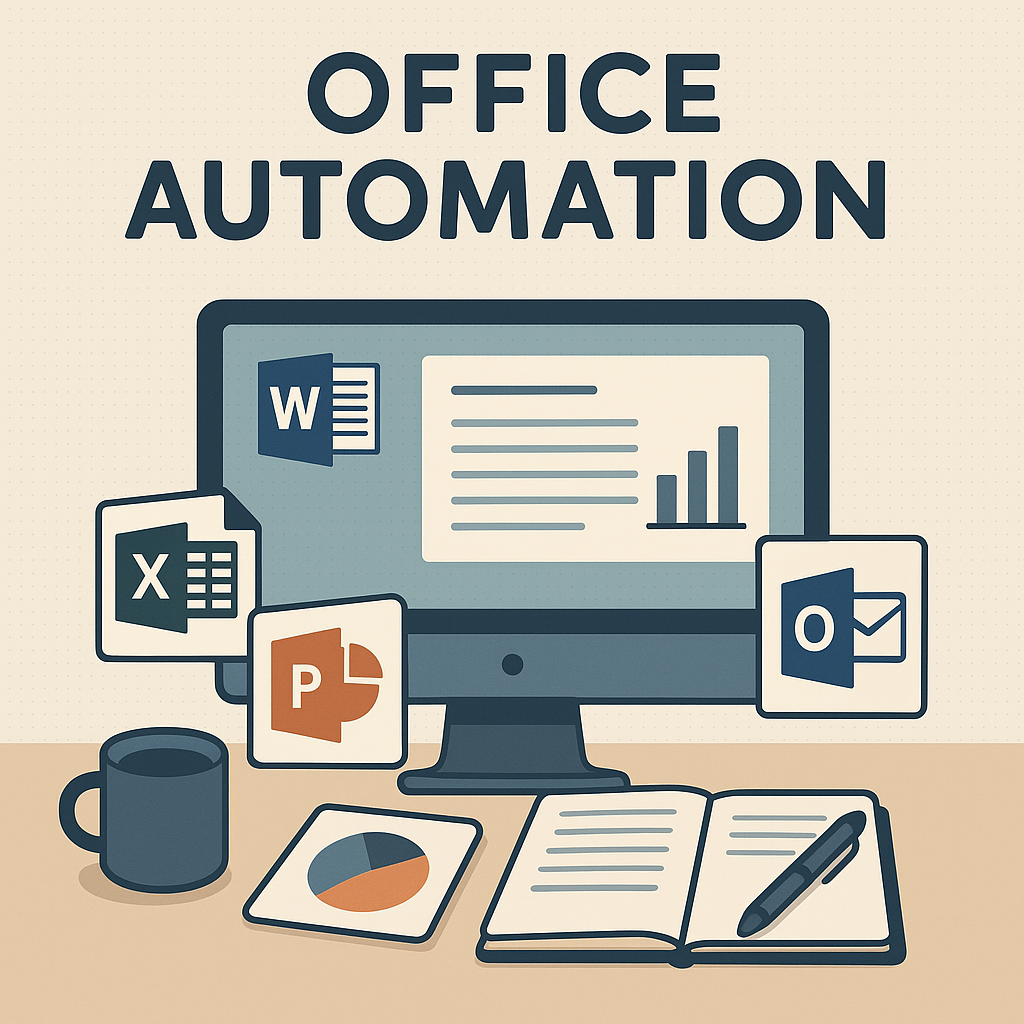
Learn the Microsoft Office skills employers actually want
In today’s workplaces, “computer skills” usually means one thing: Microsoft Office. Whether you’re returning to work, leveling up for a better position, or simply tired of feeling behind with technology, Office Automation Online is designed to help you feel confident, capable, and job-ready.
This online training is structured, practical, and easy to follow — with real examples and step-by-step guidance. You’ll learn how to create documents, manage data, build spreadsheets, make presentations, and communicate professionally using the tools businesses use every day.
Train online. Build real-world skills. Use them immediately.
What is Office Automation?
Office Automation is a professional skill set built around the Microsoft Office programs used in most offices and companies. It includes the ability to:
Create and format professional documents
Organize and analyze information in spreadsheets
Build presentations that look polished and clear
Manage email, calendars, and files efficiently
Use technology confidently in a workplace setting
This isn’t “tech talk.” It’s the practical stuff you’ll use at work.
Who this online program is for
Office Automation Online is a great fit if you:
Want a job that requires computer and office skills
Are starting from beginner level (or feel “rusty”)
Want to improve speed and confidence in Microsoft Office
Want a structured program instead of random YouTube videos
Need flexibility to learn from home and on your schedule
Want support when you get stuck
No prior experience is required. We meet you where you are.

What you’ll learn
You’ll build skills that translate directly into workplace tasks — the kind employers expect you to know.
- Word: create and format professional documents
- Excel: organize data, use formulas, and build simple reports
- PowerPoint: design clean, confident presentations
- Outlook (optional): manage email and scheduling
- File Management: stay organized with folders, naming, and sharing

Career Training Programs
Get In Touch
- Phone: 559-651-1425
- Fax: 559-651-4015
- Hours: Mon-Thurs 8:00AM - 4:30PM
Location: 1335 N. Plaza Dr. Visalia, CA